
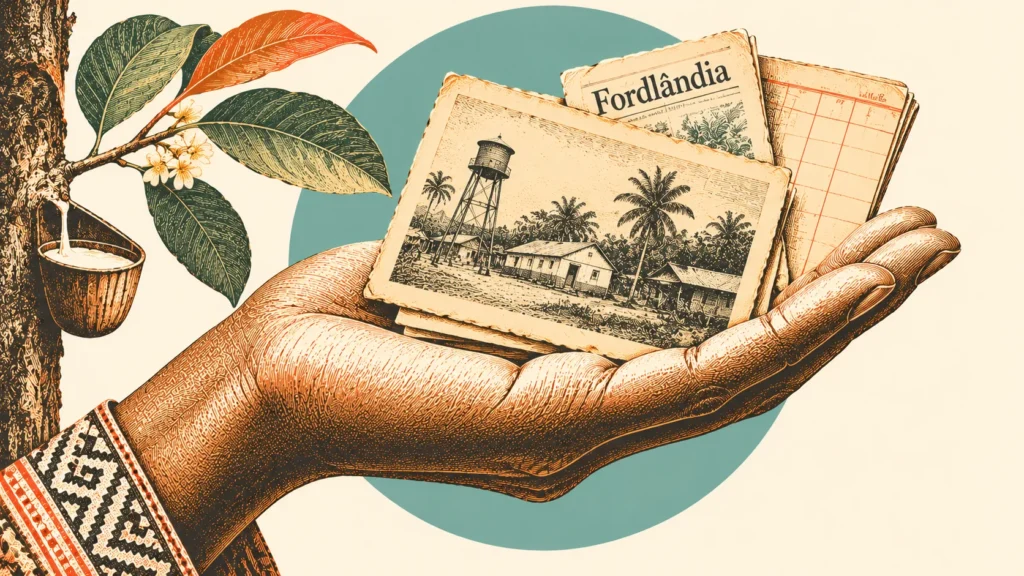
Ever read a surprising historical claim and wondered whether it actually happened? Most of us stop there. The answer feels locked behind a university library or a paid database.
It is not. Libraries, museums, and national archives have put millions of old newspapers, photographs, books, and government records online, and most of them are free to search. You do not need a degree or a research card. You need a good question, a few reliable sites, and the habit of writing down where each fact came from.
This guide shows you how to research a history story in six steps. To keep it concrete, we use Henry Ford’s failed rubber plantation in Brazil, Fordlândia, to show how to investigate a historical claim, find original records, and evaluate what those records tell us. By the end, you will know where to look, what to trust, and how to check a claim yourself.
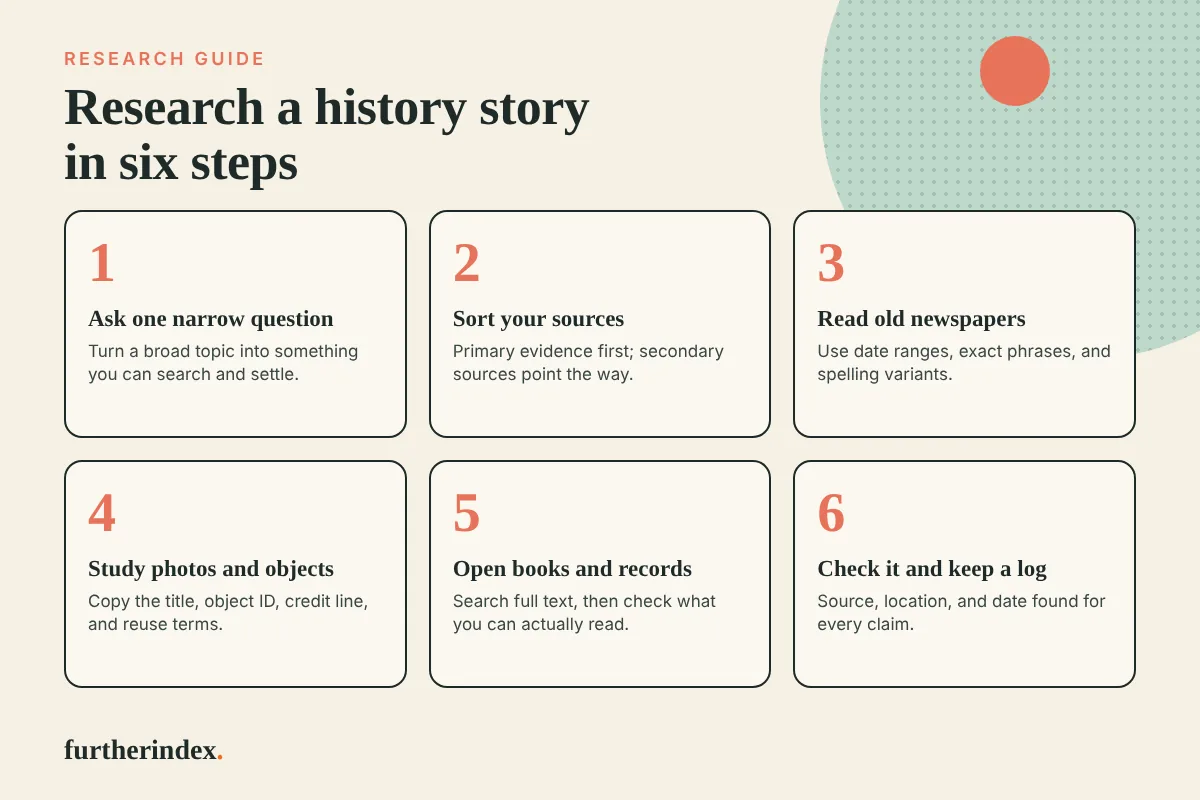
Step 1: Start with one narrow question
Searching for an entire historical subject can leave you sorting through hundreds of unrelated results. A narrow question gives you search terms and a way to know when you have found the answer.
Compare these two:
- Too broad: “Tell me about Fordlândia.”
- Narrow: “What did the Ford Motor Company say about its Brazilian rubber plantation while it was being built, and how did that differ from what happened later?”
The second question tells you what to look for (statements made at the time), when to look (the late 1920s and the 1930s), and what to compare against (later accounts). Write your question at the top of a blank page before you search for anything.
Step 2: Know your primary and secondary sources
Historical research often begins with two kinds of evidence: primary and secondary sources.
- Primary sources give direct evidence about the subject you are investigating. They include documents created at the time, such as newspaper articles, photographs, letters, government reports, company records, and maps, as well as firsthand accounts recorded later, such as oral histories.
- Secondary sources describe the past after the fact. Examples are history books, encyclopedia entries, documentaries, and most blog posts, including ours.
Secondary sources are a good place to start, because they tell you what happened and who to search for. They are a poor place to stop, because every secondary source is one person’s reading of the evidence. When you want to check a claim, you work backward from the secondary source to the primary sources it rests on.
A photograph is a primary source, but it is not automatically true. It shows what the camera pointed at, taken by someone with a reason to take it. The same goes for a company report or a news story. A primary source is closer to the event; it is not neutral. We return to that in Step 6.
Step 3: Read what the newspapers said at the time
Old newspapers show you how an event looked before anyone knew how it would end. They also show you what editors thought readers wanted to hear, which is a clue in its own right.
Chronicling America is the Library of Congress collection of historic American newspapers. Its advanced search lets you enter a start and end date, filter by state, and search for an exact phrase or words that appear within five or ten words of each other. You can also limit results to front pages only. Those proximity and date filters do most of the work.
The Hemeroteca Digital Brasileira, run by Brazil’s National Library, is the equivalent for Brazilian papers. Its serials page links to the digital newspaper library, and access is free. The interface is in Portuguese, so keep a translation tab open if you need one.
For our Fordlândia question, a good search plan looks like this:
- Set the date range to the years the plantation was being built, not the years you know it failed.
- Start with “Ford rubber Brazil” using the “All of these words” option. Then try smaller combinations, such as “Ford rubber,” with the five- or ten-word proximity option, and compare the results.
- Search for both Fordlândia and Fordlandia.
- Open the page image, not just the text snippet, and read the whole article.
That last step matters. Search engines for old papers read the page with optical character recognition (OCR), software that turns a scan into searchable text. OCR makes mistakes with old type, smudged ink, and crowded columns. A story can be on the page and still not show up in your results, so a missing hit never proves that nothing was printed. Brazilian researchers also warn that old spelling conventions can hide results, so try spelling variants of every name.
When you find an article, record the newspaper’s name, the date, the page, and the link before you do anything else. You will need all four later.
Step 4: Look at photographs and objects
Photographs can confirm or contradict a written account. They also hold small details that no article mentions, such as what the buildings looked like, how the land was cleared, and who stood in the frame.
Museums and libraries often catalog their images with careful notes. The Henry Ford, a museum in Michigan, keeps a searchable digital collection that includes Fordlândia material. One entry is titled “Aerial View of Fordlandia, Brazil, 1934.” The page lists the subject date as 1933 to 1934, an object ID, and the credit line “From the Collections of The Henry Ford. Gift of Ford Motor Company.” It also carries a short summary of the project’s history.
When examining a museum record, save these details:
- The exact title and the subject date.
- The object ID, which lets anyone find the same item again.
- The credit line, which says who holds the item and how they got it.
- The rights or reuse statement, if there is one.
In this case, the page does not include a rights statement. That does not mean the image is free to reuse. If you plan to publish a photograph, contact the museum or look for its published reuse policy before you do.
Also read the museum’s summary with the same care you give any secondary source. A catalog entry is a short description written by staff, usually long after the photo was taken, so it points to the primary source rather than replacing it.
Step 5: Dig into books and official records
Newspapers give you the public story. Books from the period and government files often give you the details behind it. Three free sites cover most of what you need.
HathiTrust is a shared digital library. Its full-text search is free, and you do not need an account to search the entire collection. The key label to learn is the difference between two kinds of results. “Full view” titles are public domain or open access, so anyone can read them online. “Limited (search only)” titles are still under copyright; you can see where your search words appear, but you cannot read the book. Even a search-only result is useful, because it tells you which book to look for at a library. One caution on downloads: for public-domain books that Google digitized, which is a large share of the collection, you can download only one page at a time without logging in. Public-domain books that Google did not digitize, a smaller group, can be downloaded in full.
The Internet Archive hosts millions of scanned books, magazines, and documents. Public-domain works are readable in full without an account. You can borrow books still under copyright through controlled digital lending, which requires a free account and sometimes a waiting list. On the search results page, you can choose to search the full text of books, not just titles and descriptions. That option is how you find a single sentence buried in a 400-page volume.
The National Archives Catalog is the online portal to records held by the U.S. National Archives. It searches archival descriptions, digitized records, and the OCR text of digitized documents simultaneously. Use the “Available to access online” filter if you want only items you can open right now. Expect gaps: more than 95 percent of the Archives’ holdings are described at the series level, which means a description of a whole group of records and not of each page inside it. Many records have not been digitized.
For Fordlândia, the useful targets are books and reports from the 1920s through the 1940s, along with any U.S. government material about rubber supply and Brazil. Search for names, dates, and place names, and save every result that mentions your question, even if it seems minor. Contradictions between sources often show up in the small details.
Step 6: Check the claim and keep a research log
Once you’ve gathered your sources, it’s time to evaluate what they actually establish.
Ask four questions of every source.
- Who made it, and why? A company report, a newspaper editorial, and a private letter each exist for a different reason.
- When was it made? A source written during an event and one written decades later can both be useful, but they are not equally close to what happened.
- How does it know? Look for whether the writer saw the event or only heard about it.
- Does a second, independent source agree? Two articles that copy the same press release count as one source, not two.
Treat disagreement as a finding. When two sources give different numbers or dates, do not quietly pick the one you like. Trace each figure back as far as you can. Often, one number turns out to be a rounded or repeated version of the other. If you cannot settle it, say so in your write-up and give both figures with their sources.
Keep a research log. A log can be a plain document or a spreadsheet with one row per source. Record these columns:
| Column | What to write |
|---|---|
| Claim | The specific statement you are checking |
| Source | Title, author, or publication, and date |
| Type | Primary or secondary |
| Location | Page number, object ID, or link |
| Found on | The date you looked, since websites change |
| Notes | Doubts, spelling variants, and what to check next |
A research log makes it easier to retrace your steps, answer a reader who asks where a fact came from, and spot gaps in your evidence before someone else does. If you cannot identify where a claim came from, treat it as unverified until you can trace the evidence.
When you are ready to write, say what you checked and what you could not. “I found this in the 1930s press but could not confirm it in company records” is an honest sentence, and readers trust writers who use it.
Where to go from here
The next time you encounter a historical claim that sounds too strange to be true, follow it. Search an old newspaper, examine a photograph, or look for a government record. You may confirm the story, uncover a missing detail, or discover that the familiar version leaves out something important.
To see the finished story we used as our example, read Fordlândia: Henry Ford’s Rubber Town in the Amazon. Then try checking one of its claims yourself with the steps above.